Virtual Machine Scale Sets (VMSS)
What it is
A Virtual Machine Scale Set (VMSS) manages a group of virtual-machine instances as one application fleet. It can create, configure, update, and automatically add or remove instances as demand changes. A scale set normally sits behind a traffic-distribution design such as Azure Load Balancer or Application Gateway.
Why it exists
Individually managing dozens of identical VMs is impossible to scale — patching, load distribution, and right-sizing would be manual. Scale sets give automatic scale-out/in (by metric/CPU/time), homogeneity, and fleet-level manageability.
Key ideas
- Scale out adds instances; scale in removes them. Scale up changes the size of an instance. Horizontal and vertical scaling solve different capacity problems.
- Autoscale can respond to a metric or schedule within a configured minimum and maximum. It is not magic forecasting: choose a relevant signal, leave time for new VMs to start, and test the rules.
- Scale sets support orchestration modes. The selected mode affects available features and cannot be changed after creation, so choose it deliberately.
- Multiple instances improve application resilience only when traffic reaches healthy instances and the application handles state correctly. A scale set can use fault domains or availability zones according to its configuration.
- Treat instances as replaceable. Keep durable state in an appropriate managed data service or disk design, not only on an instance’s temporary local storage.
Northwind example
Northwind’s public ordering front end becomes busy at lunchtime. A scale set starts with two healthy instances behind a load balancer, adds instances when tested demand metrics cross a threshold, and removes excess instances later. Each new instance comes from the same reviewed configuration and reads order data from shared storage. If Northwind stored the only copy of an order on one instance’s local disk, scale-in or a failure could lose it.
Common confusion
- A scale set is not a single VM with more CPU. It manages several instances.
- Autoscale does not protect a one-instance database or a dependency outside the scale set.
- A load balancer distributes traffic; it does not make unhealthy application code healthy. Health probes and application behavior matter.
How it fits (diagram)
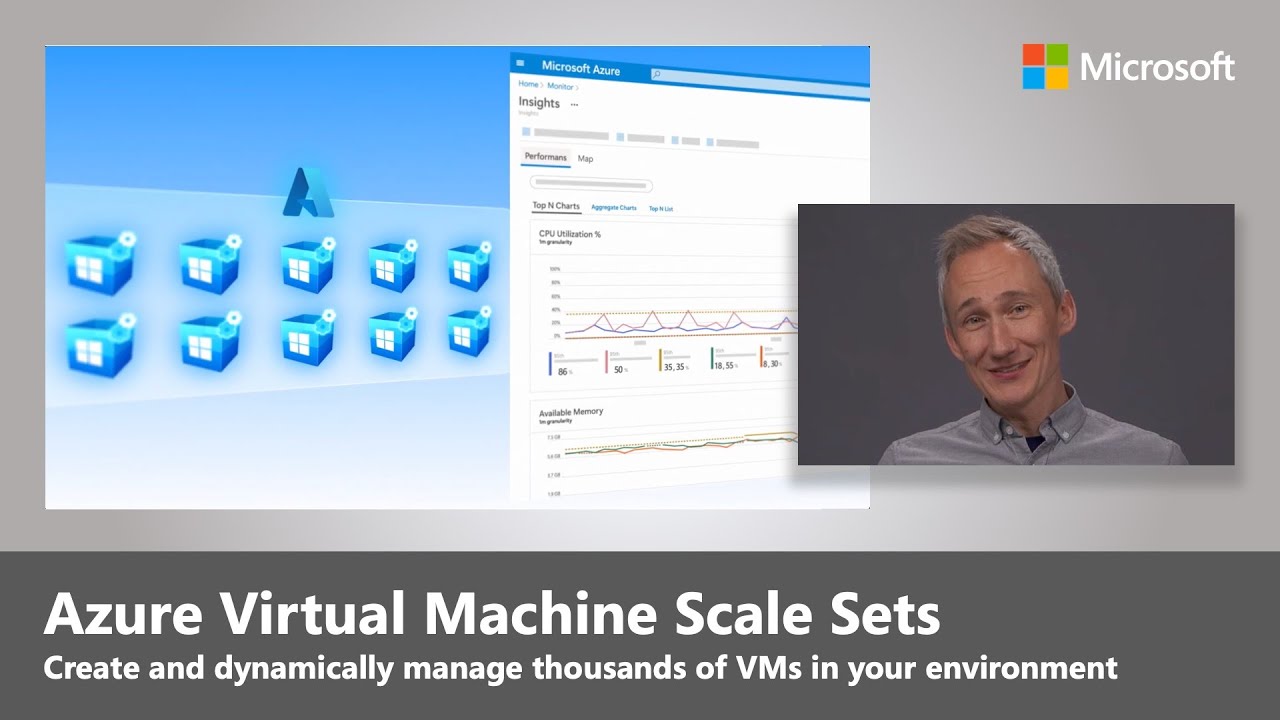
Diagrams courtesy of Microsoft Learn / Azure docs: virtual-machine-scale-sets/overview
Safe rollout and tradeoffs
- A scale-out event can take time and can fail if the image, quota, capacity, or startup configuration is wrong.
- Updating the image or configuration needs a controlled rollout strategy so healthy instances remain available.
- More instances increase cost. Set reasonable minimums and maximums, alert on unexpected scaling, and review the metric that triggered it.
Related
azure-vm · vm-sizes · availability-set · availability-zones · managed-disks · azure-vm-extension · load-balancer · application-gateway · northwind-traders-case-study
📘 Source: Microsoft Learn — Virtual Machine Scale Sets overview, checked 2026-09-16.